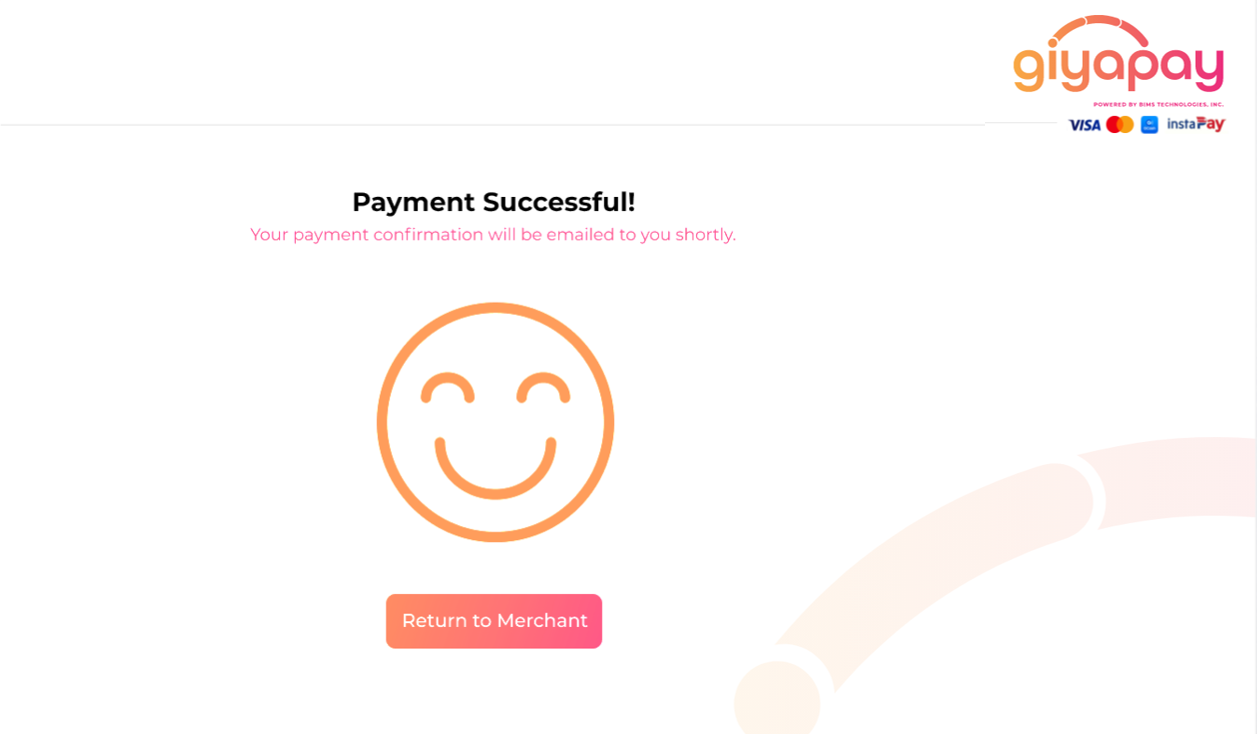

The shown user journey have all add-on features activated while service fees are charged to Merchant:
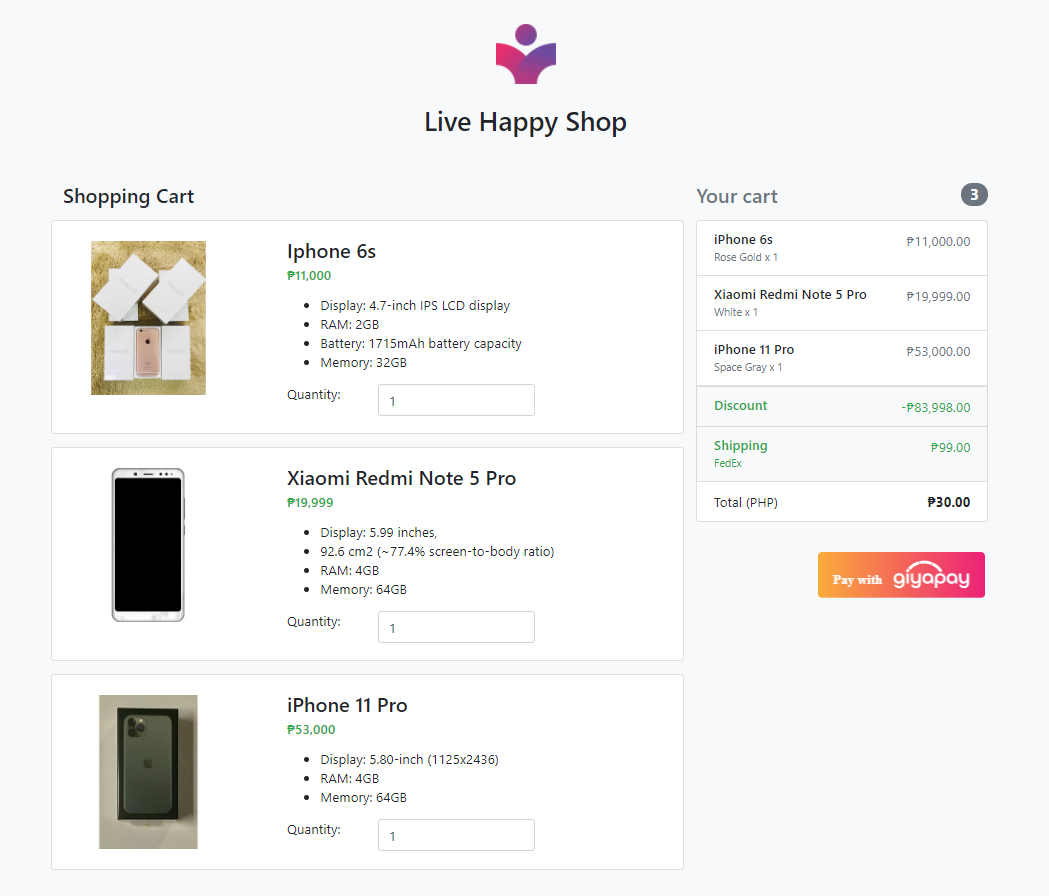
1. Click the Pay with GiyaPay Button
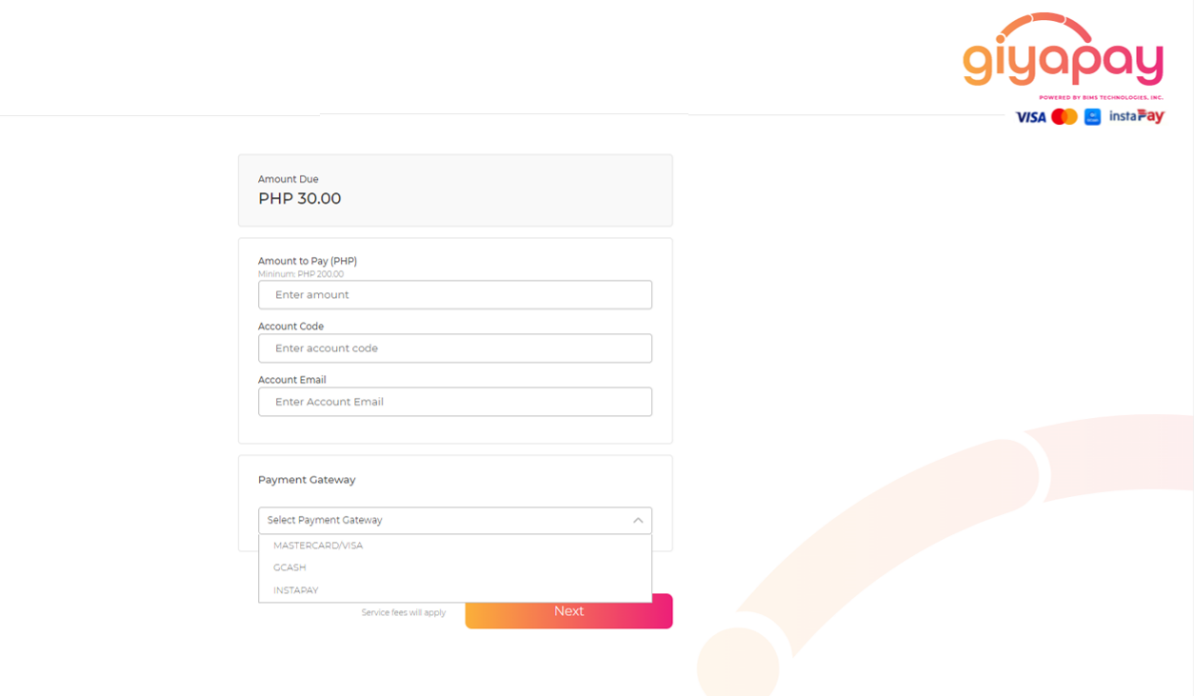
2. Fill the necessary details and select the preferred payment gateway.
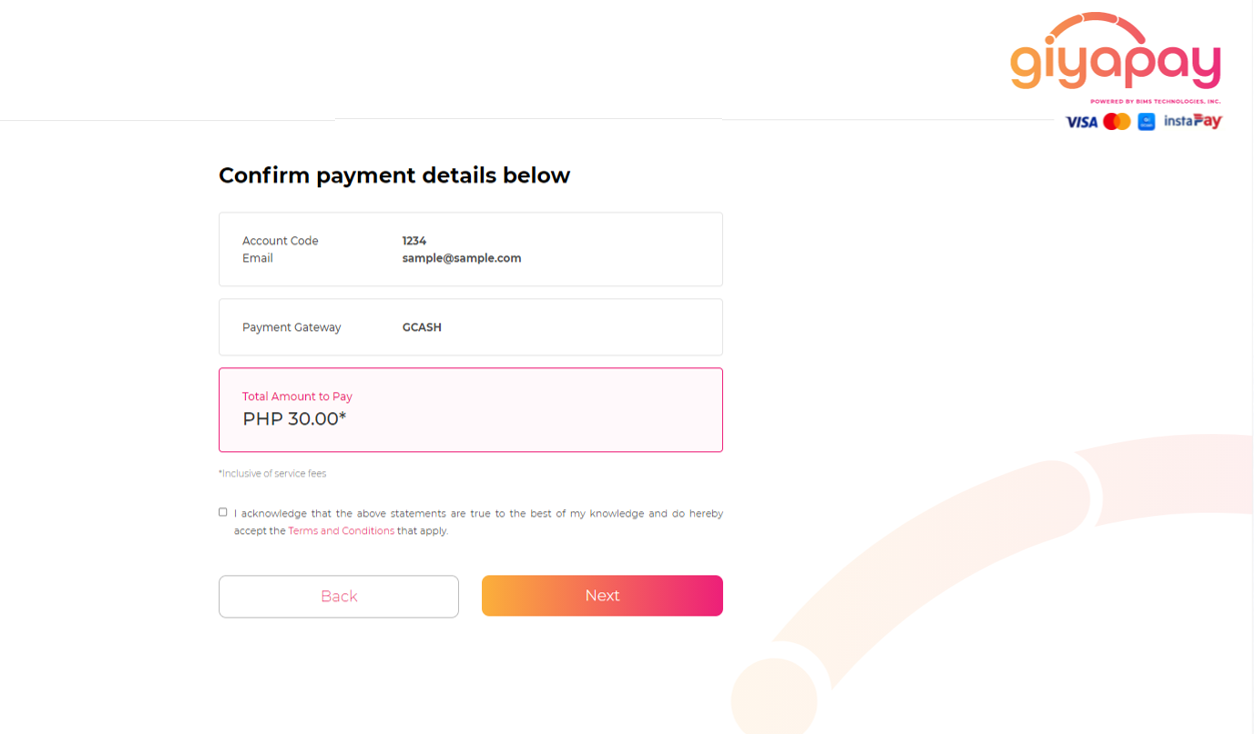
3. Confirm payment details.
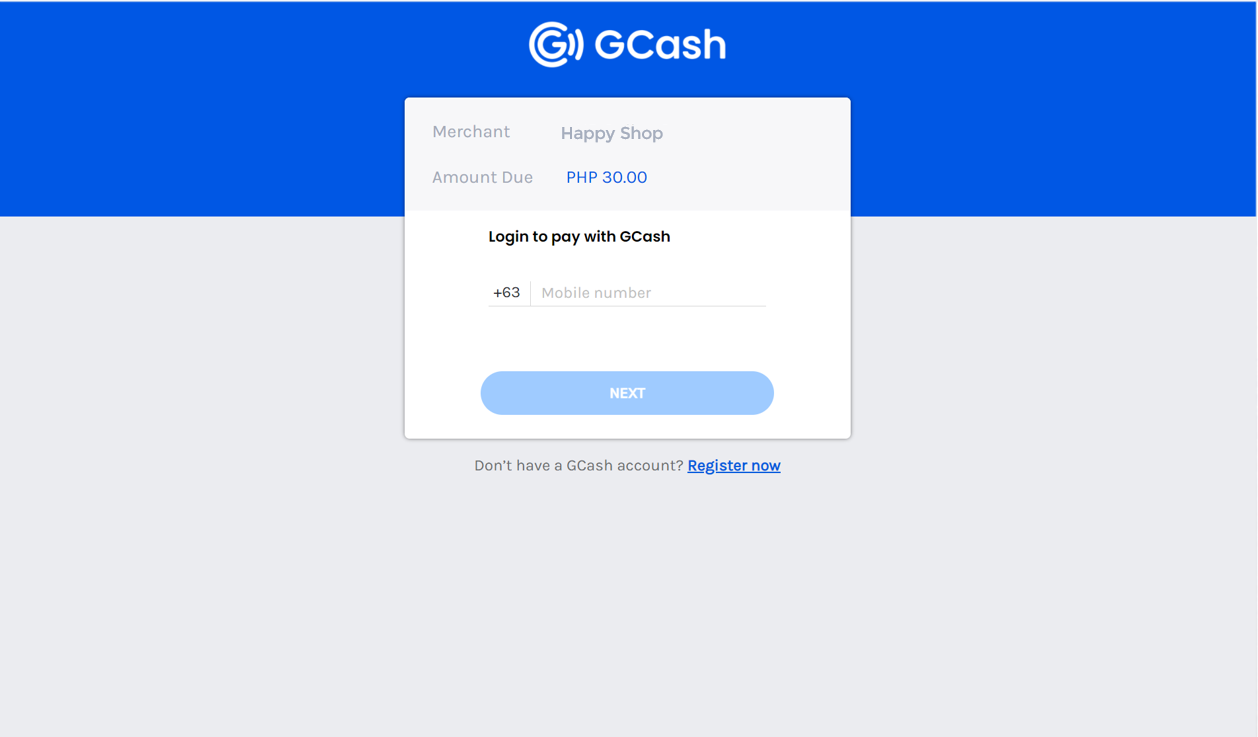
4. Upon clicng the preferred payment gateway, Payor will be redirected to the gateway's hosted page where he/she wil fill the necessary details about his/her account.
5. Payor will be notified that payment is successful. This page is usually hosted by merchants themselves.